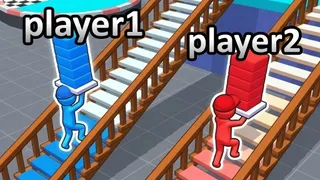
Apex Rush
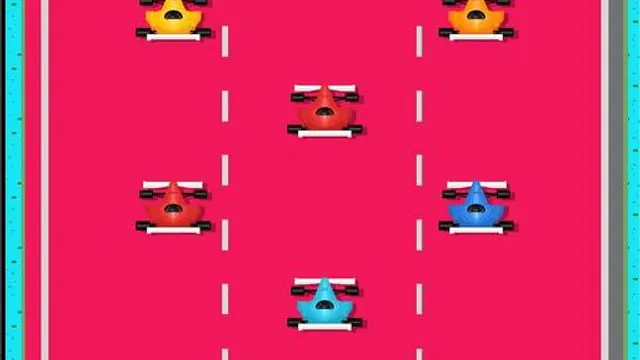
Apex Rush is a straightforward 3d runner focused entirely on position management rather than speed. What sets it apart from similar titles is its reliance on the function row for movement, specifically the End and Home keys. This layout forces a specific hand posture that actually keeps you more alert than standard WASD controls.
You control your avatar's position on a three-lane track using only the keyboard. Press Home to move left or End to move right to dodge incoming obstacles. If the path requires elevation, hit Page Up to jump over low barriers, or use Page Down to slide or drop under high objects. Every turn, you decide exactly when to shift lanes to avoid collisions without any auto-assist. The loop repeats continuously with increasing speed until you hit an obstacle.
Casual players looking for a quick browser distraction will appreciate the short learning curve here. It works well for anyone killing ten minutes who wants something that starts instantly. Tip: Keep your fingers resting lightly on the Home and End keys at all times. This minimizes the travel distance your fingers need to make during the first minute of play, which helps when the pacing picks up.
How to Play
Keyboard Controls - Home ndash Move Left - End ndash Move Right - Page Up ndash Move Up - Page Down ndash Move Down
FAQ
- How do I move up and down in Apex Rush?
- Press Page Up to move upward and Page Down to move downward.
- What happens when I collide with an obstacle?
- The run ends immediately and you must restart from the beginning.
- Is there a finish line or final level?
- No, the game continues in an endless loop until you crash.