Elite Forces
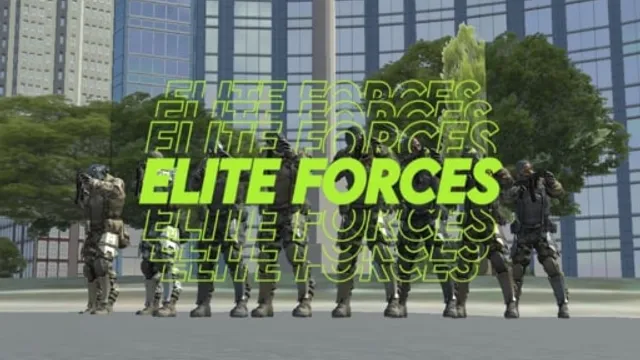
"Elite Forces" is a browser-based multiplayer shooter that focuses purely on twitch reflexes and positioning. Unlike many shooters that add layers of complex inventory management, this title strips the genre down to its bare essentials with a classic loadout system. The most distinct feature is the gun equipment system, which forces you to adapt your playstyle instantly.
You move with the mouse to look around and click the left mouse button to shoot, making the action feel direct. Holding the right mouse button tightens your aim for precise shots when you need to hit a distant target. Use keys 1 through 4 to switch your guns on the fly without pausing the game, so you can react to enemies closing the distance. Press F to interact with objectives on the map, which changes your immediate goal from survival to capture or retrieval.
This game works best for casual players who want to jump into a match for ten minutes without a long tutorial. Tip: Focus on mastering the F key interactions in the first minute, because grabbing map control is more reliable than chasing kills.
How to Play
Use you mouse to look around left mouse button to shoot right mouse button to aim 1-4 numerical buttons to switch guns equipment F to interract and all other controls are seen on screen
FAQ
- How do I switch weapons in Elite Forces?
- Press 1, 2, 3, or 4 to swap between your equipped guns and equipment.
- What does the right mouse button do?
- Holding the right mouse button activates aim mode to increase your accuracy.
- How do I interact with objects?
- Press the F key when the on-screen prompt appears to interact with objectives or doors.