KnightBit: Far Lands
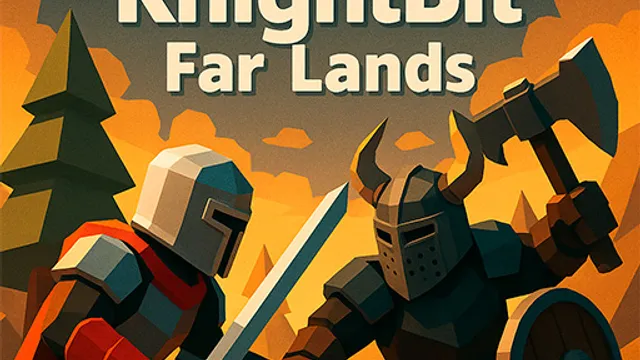
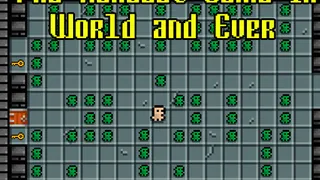
KnightBit: Far Lands is a team-based shooter where you capture flags to win instead of just fragging. The Flag Capture mechanic distinguishes it from other browser shooters, forcing you to leave cover to grab objectives. You have to manage positioning because holding a flag makes you a target.
Use WASD to move and Spacebar to jump around the map while you hunt for the opposing team's flag. You press Shift to sprint away from enemies or rush toward a capture point. The goal is scoring points by destroying enemies and snatching flags, so you choose between fighting and running every time you spawn. When you get close to items, you use the Interact key to pick up weapons and fight back.
This title works well for casual players looking for a quick match in the browser. Tip: Focus on grabbing the flag with Shift sprint as soon as you spawn to force the enemy team to react to you instead of camping.
How to Play
Objective of the game Defeat the opposing team by scoring a certain number of points To do this you need to capture flags and destroy enemies Character Controls -Movement WASD -Jump Spacebar -Sprint Shift -Interact with objects or pick up weapons
FAQ
- How do I control my character in KnightBit: Far Lands?
- You use WASD for movement, Spacebar to jump, and Shift to sprint, plus an interaction key to grab items.
- What is the main objective of the game?
- You win by defeating the opposing team through scoring a specific number of points via kills and flag captures.
- What should I do when I see a weapon on the ground?
- Press the interact button to pick it up so you can destroy enemies and defend yourself.